
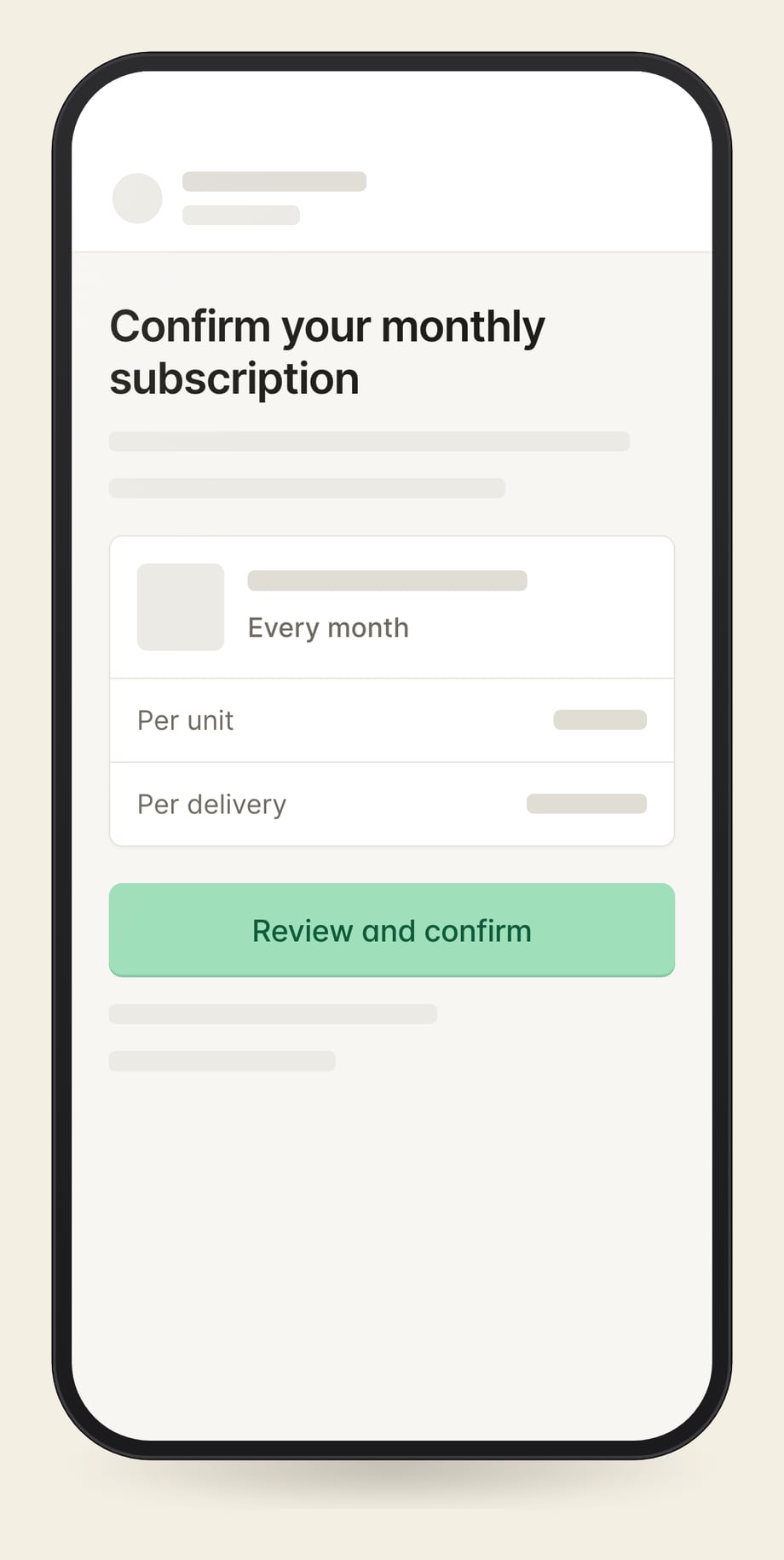
When saved cards cannot transfer, building a migration app lets you move subscribers into Shopify Subscriptions through personal checkout links. Each subscriber gets their product, quantity, price, and frequency already filled in, then confirms and enters their card once.
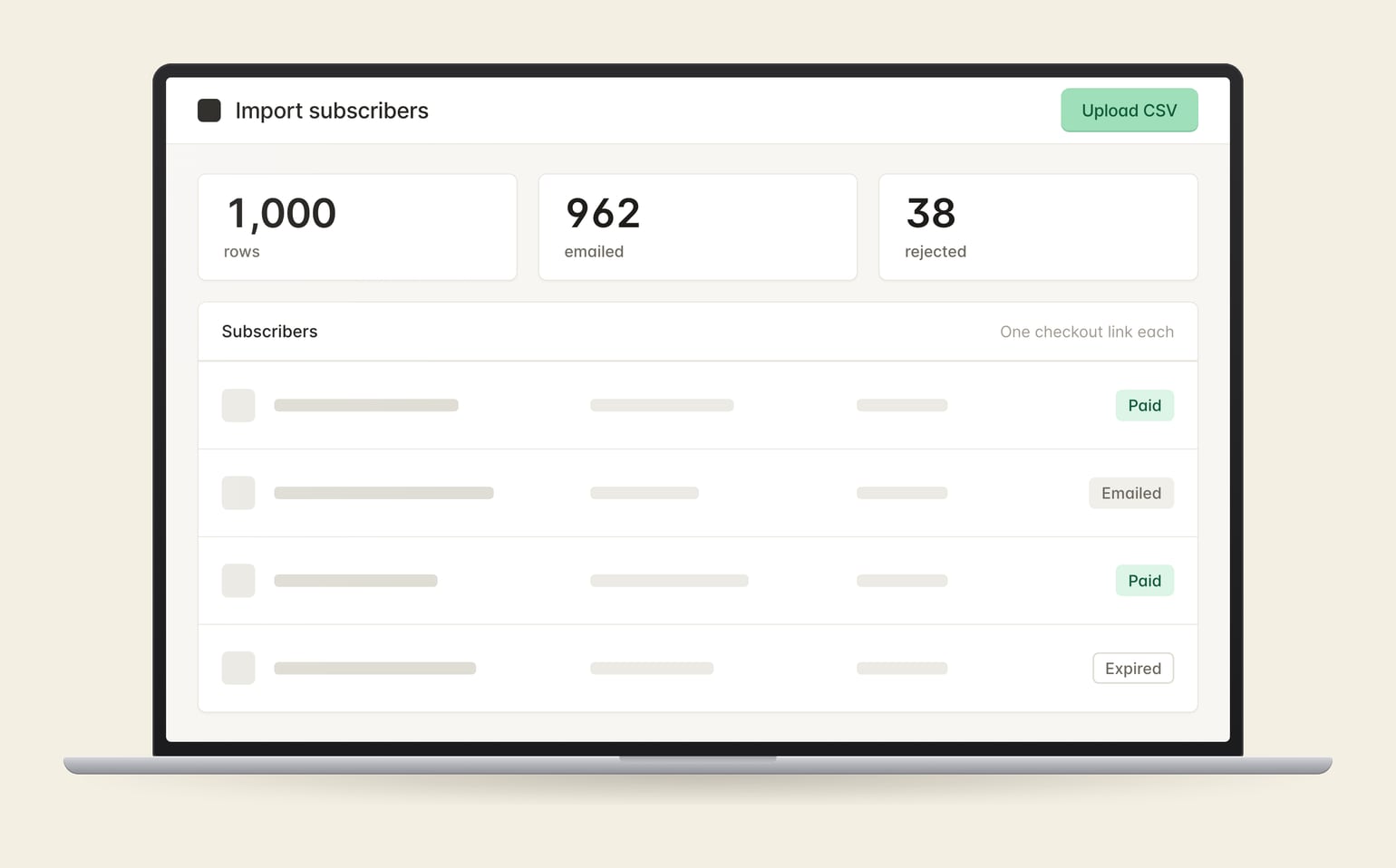
Turn a subscriber spreadsheet into checkout links without setting up each customer by hand.
Match each subscriber to the plan for their price and frequency.
See emailed, paid, expired, and replaced invitations. Resend links from the same screen.
Get a file listing rows with missing or invalid details, then correct and upload them again.
The app reads your subscriber list, selects matching Shopify subscription plans, and emails each person their link. Completing checkout creates the subscription and saves the payment method for renewals.
Yes. This approach is for payment methods that cannot transfer. Each subscriber must complete checkout to start the new subscription.
Yes, when a Shopify subscription plan has been set up for that price and frequency. The app matches each invitation to the appropriate plan.
Tell me where subscribers are billed today and whether their saved cards can transfer.
Or run a free teardown of your store first.
Tell me what you're working on. I'll reply within a business day.