
Building an app that connects Shopify and QuickBooks lets wholesale buyers order now and pay by bank transfer. The app creates the invoice and marks the Shopify order paid once the invoice is paid in full.
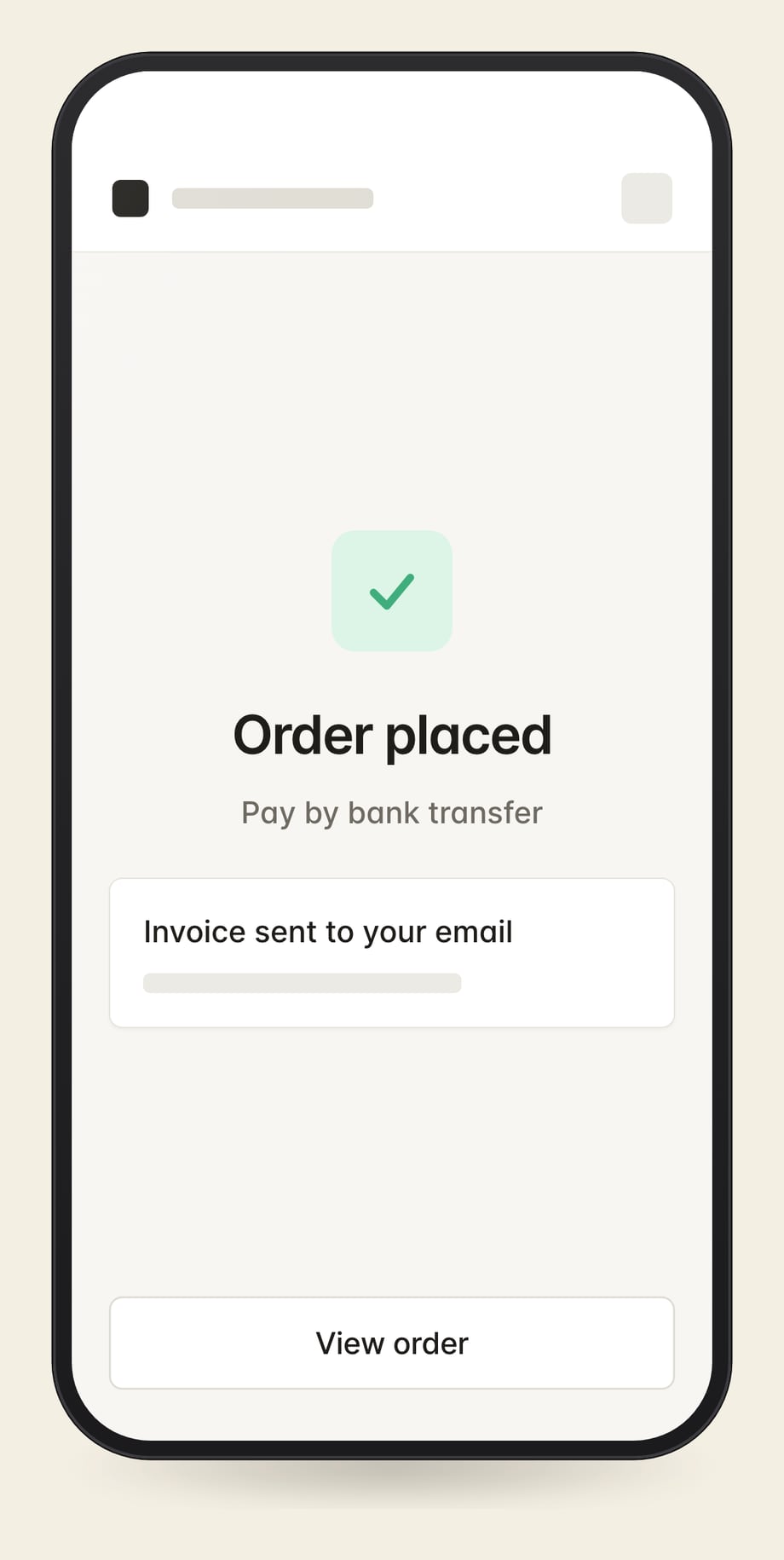
Buyers receive a QuickBooks invoice with a bank payment link.
Buyers review contract pricing and delivery charges before confirming.
Invoices go on the customer record your bookkeeper already uses.
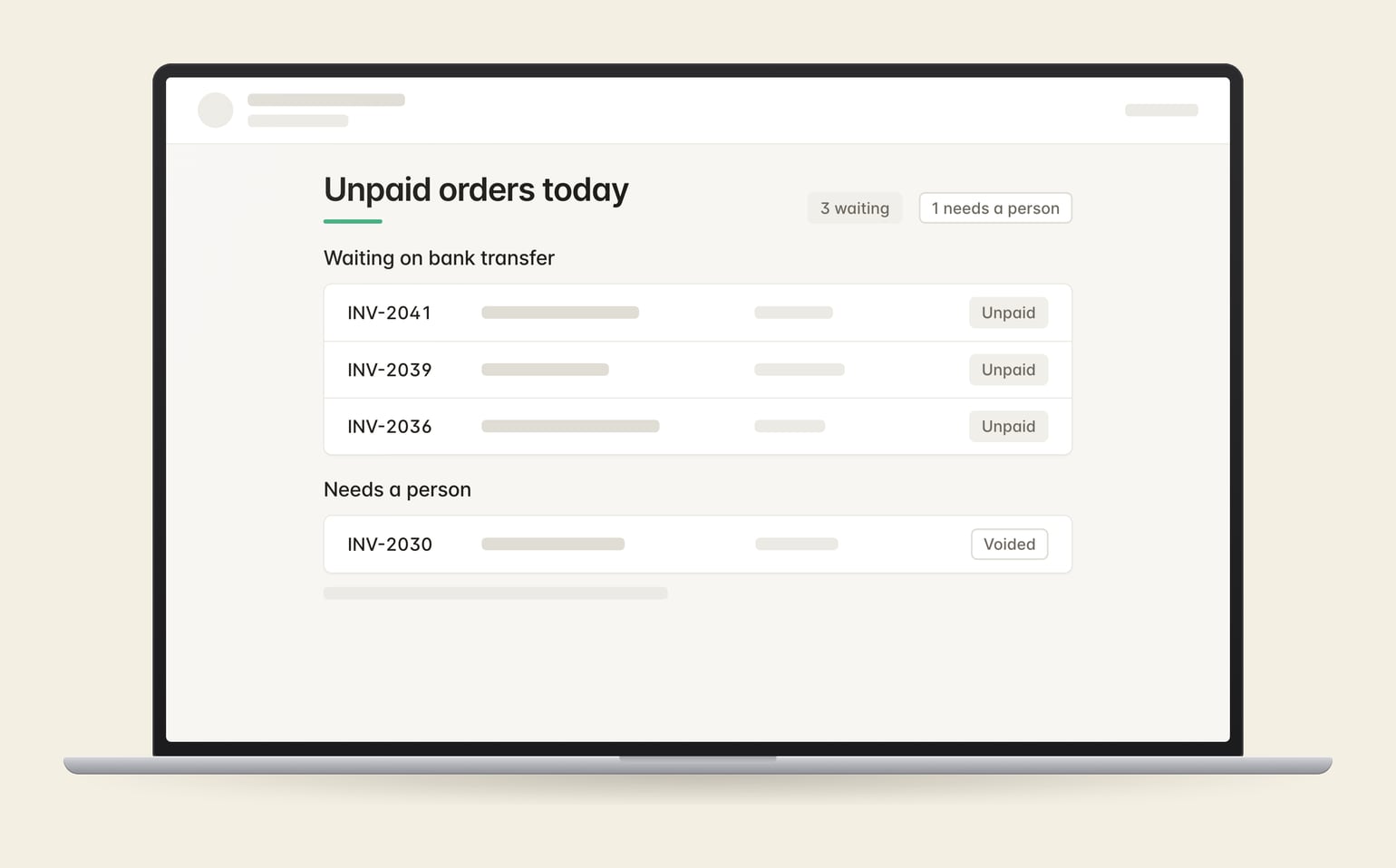
A daily report lists unpaid orders and payment problems.
An approved buyer chooses invoice payment in the cart. The app creates the unpaid Shopify order and matching QuickBooks invoice, then checks for payment. Staff no longer have to update each order by hand.
No. This flow lets buyers pay an invoice after ordering. An agreed due date, such as net 30, is a separate requirement.
The app uses your existing QuickBooks numbering sequence rather than a separate prefix. The QuickBooks connector’s invoice sync stays off.
Tell me how buyers pay today and which accounting system you use.
Or run a free teardown of your store first.
Tell me what you're working on. I'll reply within a business day.