
Building an approval app for Shopify Plus lets you limit wholesale prices and ordering to approved buyers. Your staff review applications, assign pricing, and manage account access in one place.
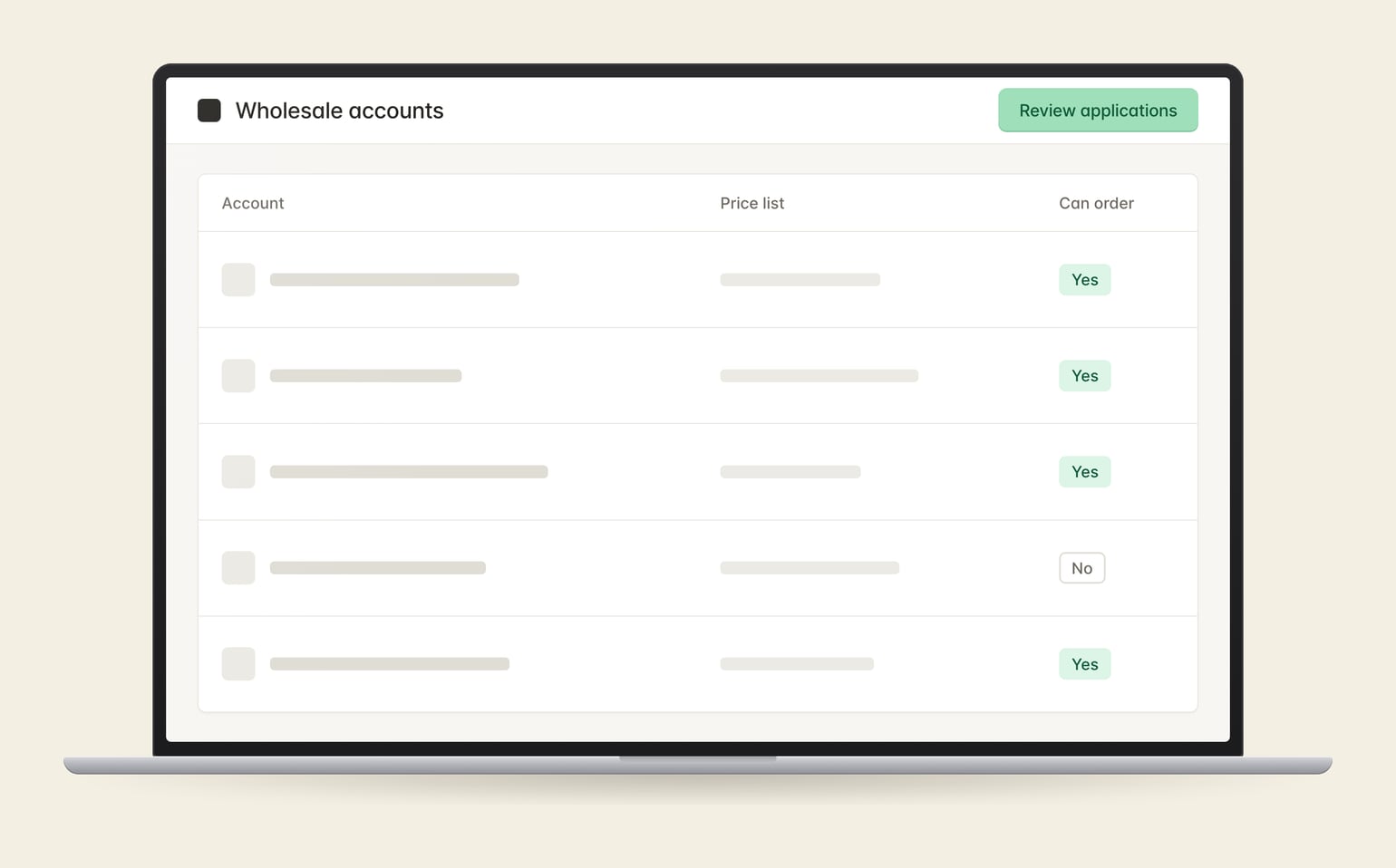
Review applications before buyers can see prices or order.
Give each company location its agreed price list.
Disable an account when it should no longer be able to order.
Load accounts and pricing before inviting customers to the store.
The app checks approval in the storefront, at checkout, and on the server. It also removes approval when a customer’s company link is removed.
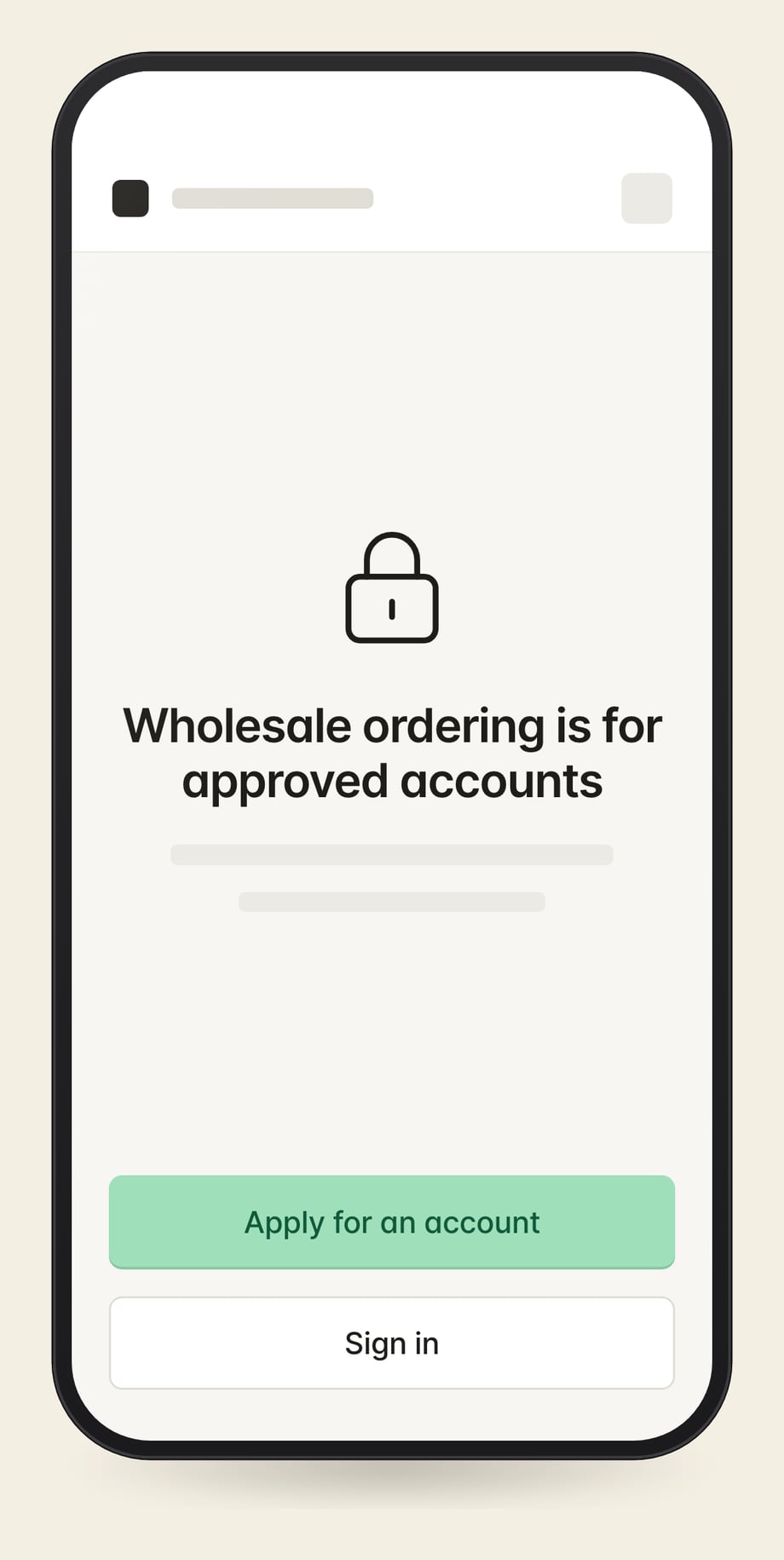
Yes. Visitors can see products and apply for an account. Prices and ordering stay limited to approved buyers.
Yes. The account import creates companies, locations, buyers, and pricing assignments without sending invitations. Your team decides when to invite them.
Tell me how you approve buyers and set their prices.
Or run a free teardown of your store first.
Tell me what you're working on. I'll reply within a business day.